
All your parcels, in one place.
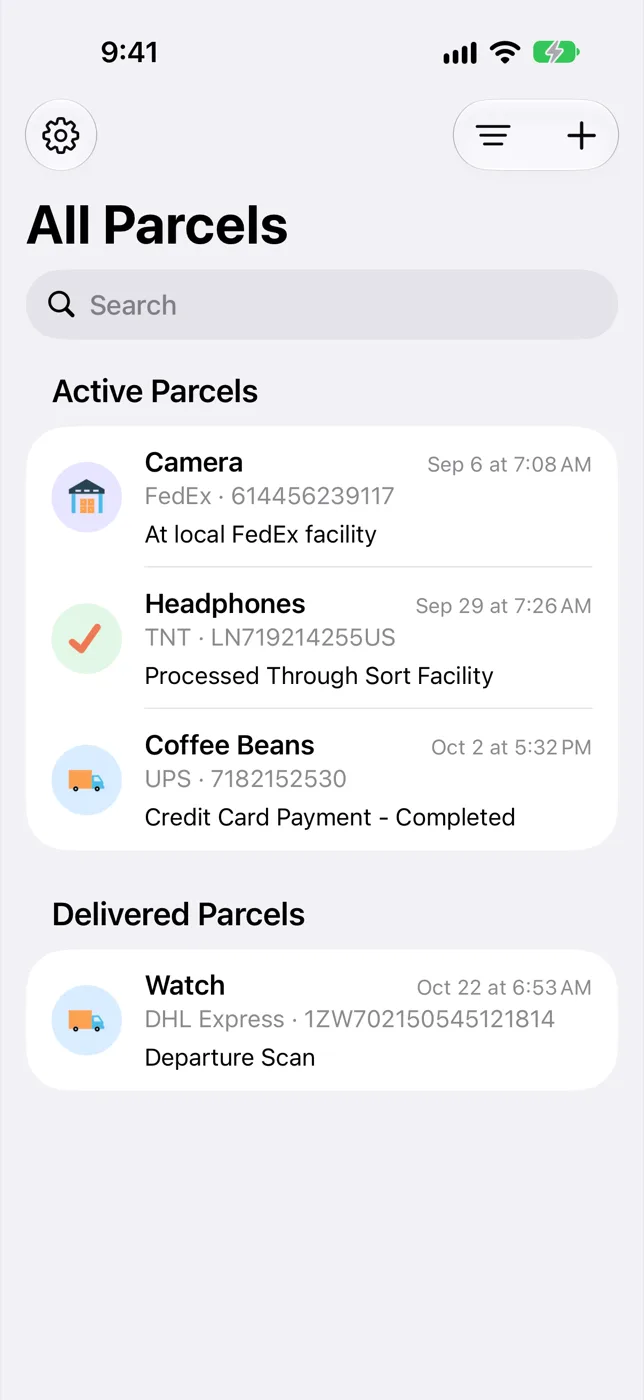
Find My Parcels keeps track of your shipments from nearly 300 couriers. Add a tracking number and the app works out the courier, follows every scan and tells you when something changes.


Available for iPhone, iPad, Apple Watch and Android.
Works with the couriers you already use









Every scan, in order
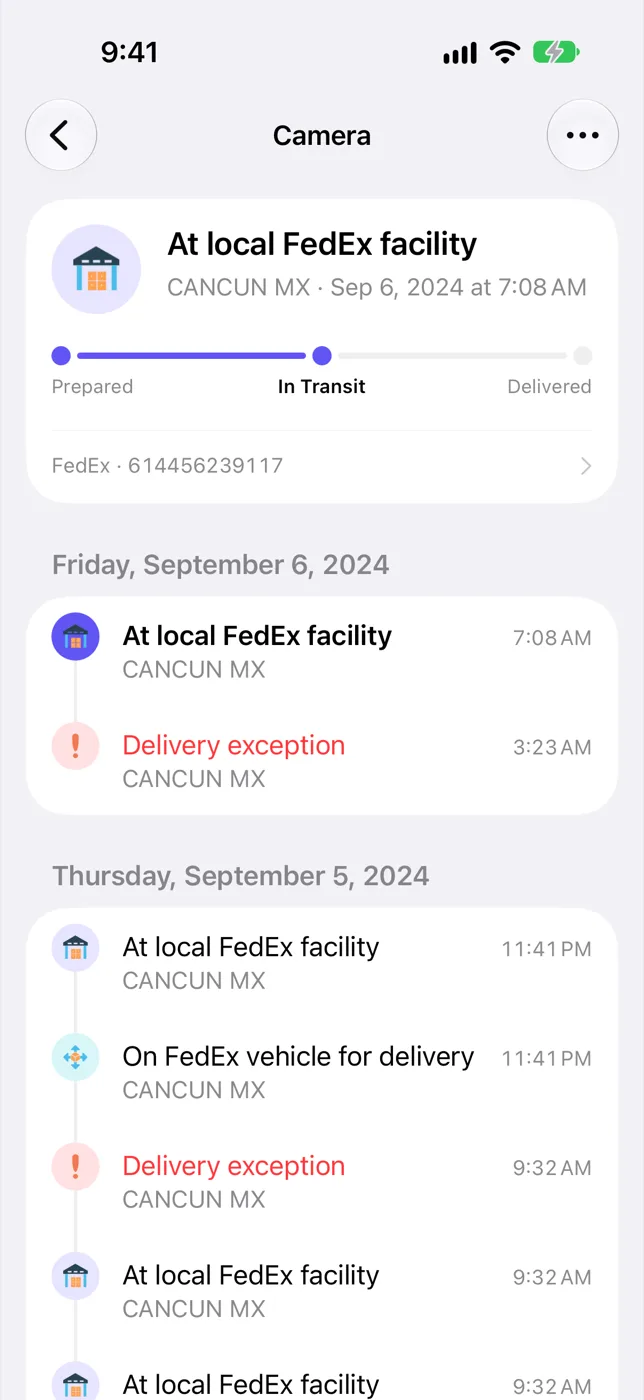
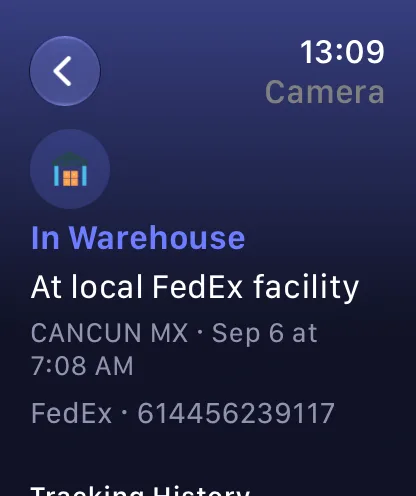
Each parcel has a clear timeline grouped by day, with the location and time of every event. The status icon tells you at a glance whether it is in a warehouse, on a truck or delivered.
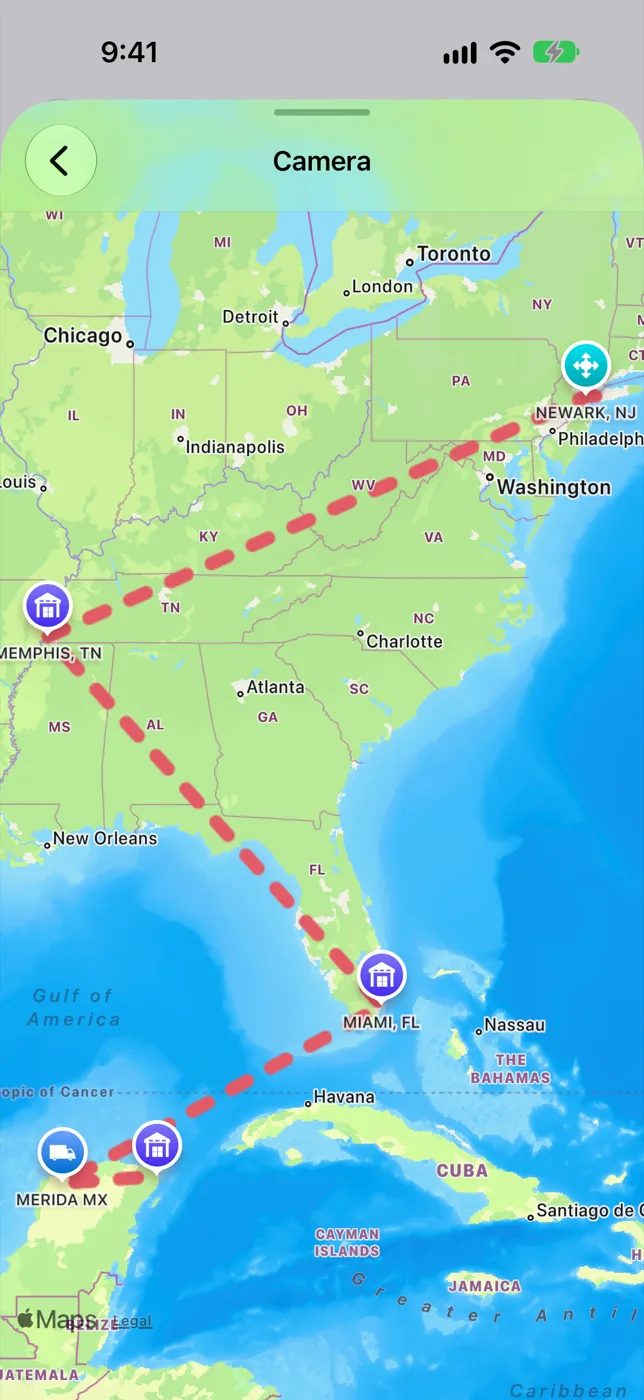
The route on a map
When the courier shares locations, the stops are plotted on a map so you can see where your parcel has been and how far it still has to go.
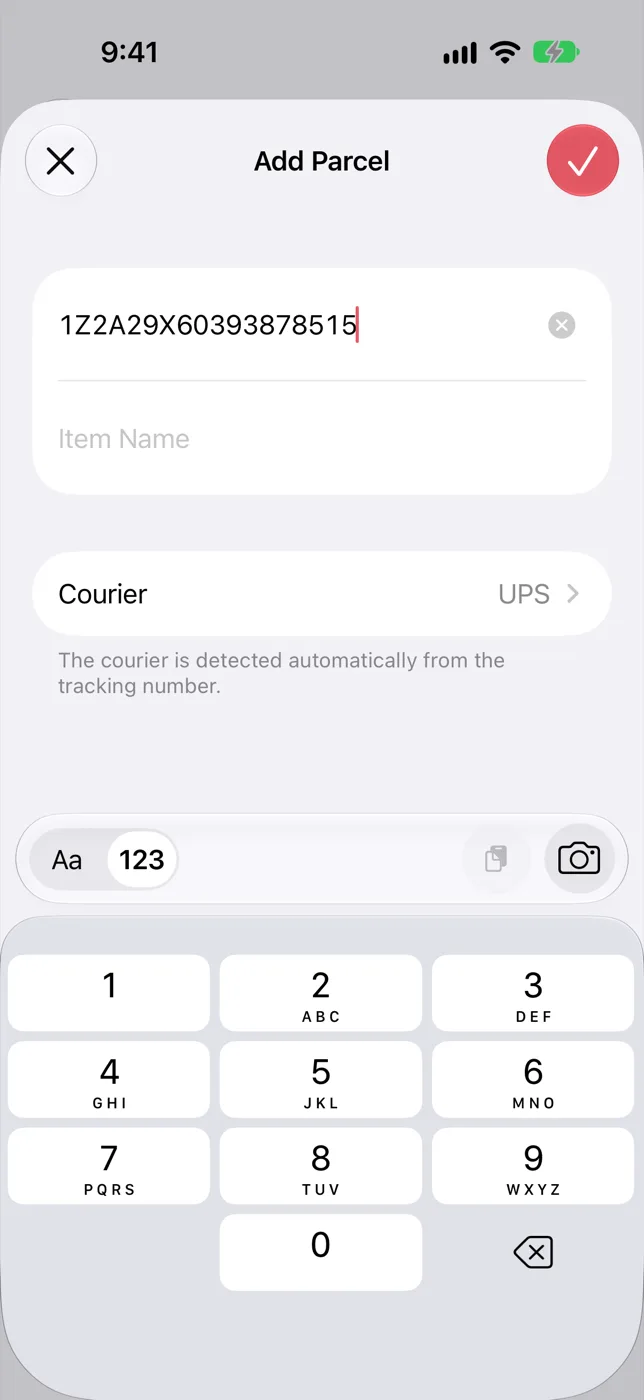
Paste a number and you’re done
The courier is detected from the format of the tracking number. You can also scan a barcode with the camera or paste from the clipboard.
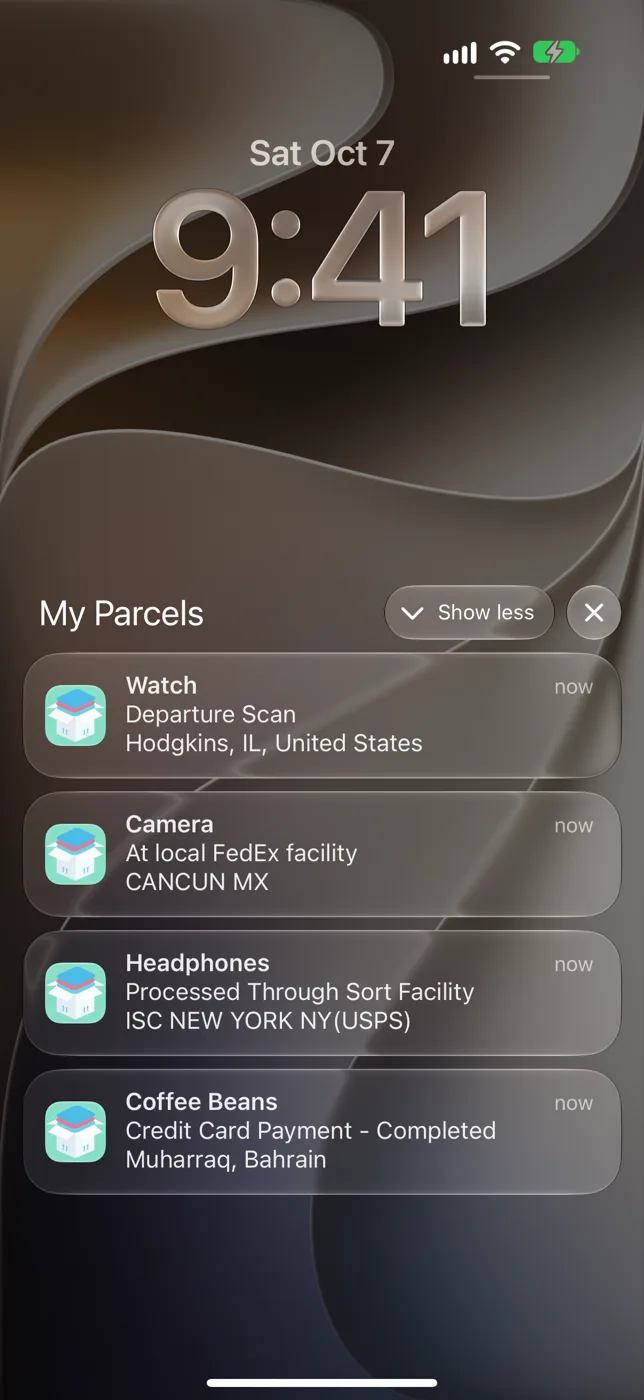
Notified when something changes
Get a notification for each status update, with the new location included. Notifications are part of the premium subscription.
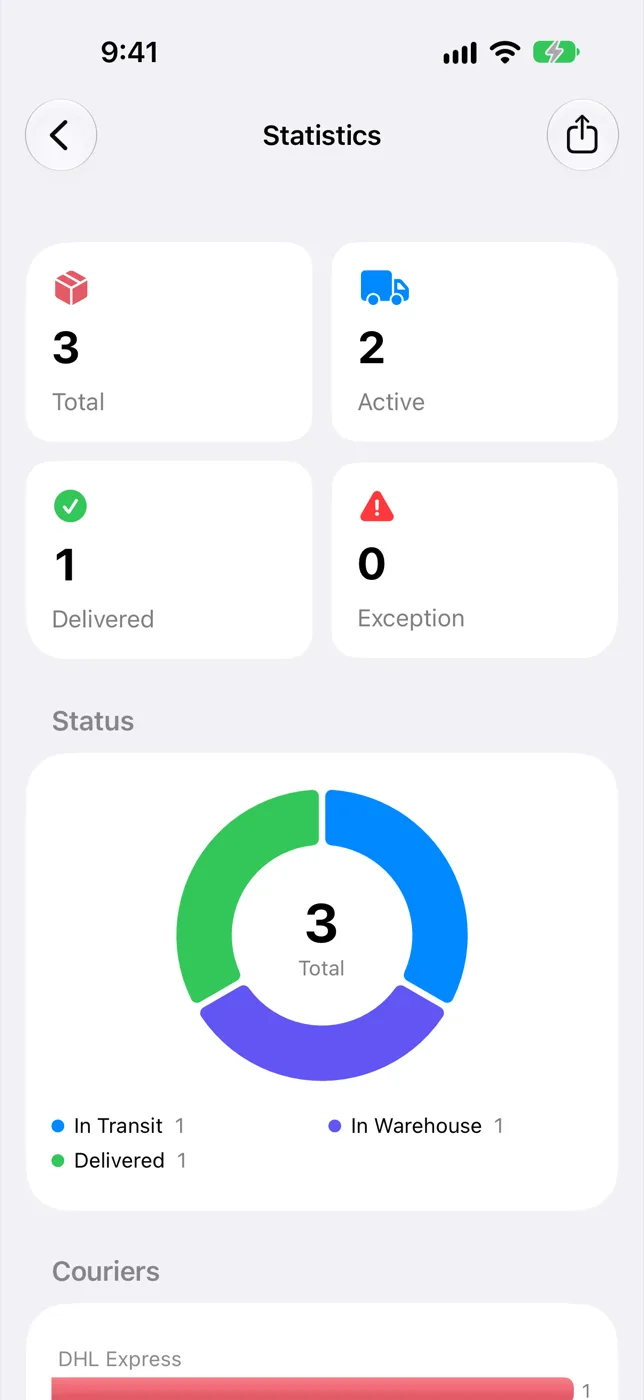
An overview of your shipments
See how many parcels are active, delivered or held up, and which couriers you use most.
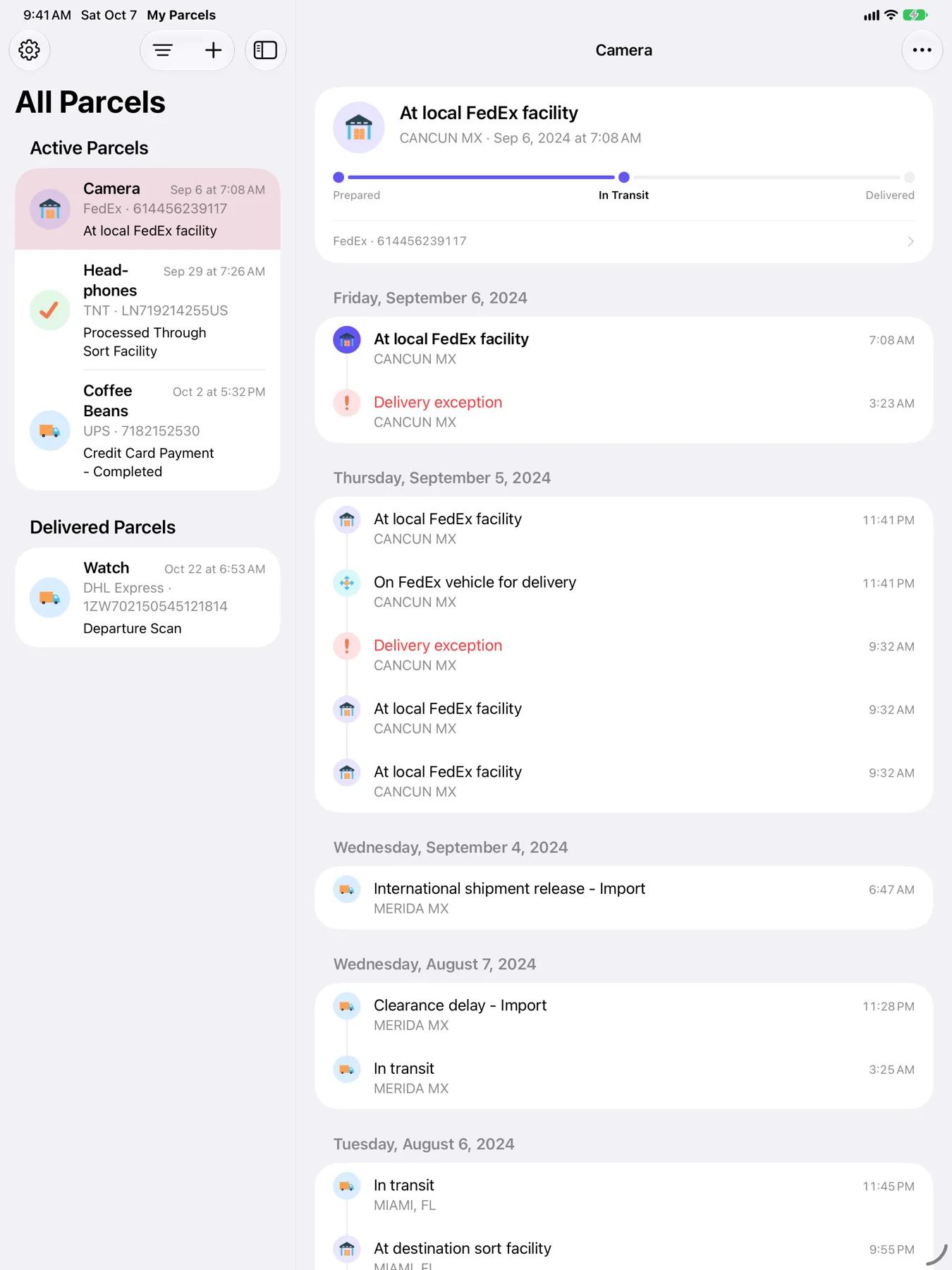
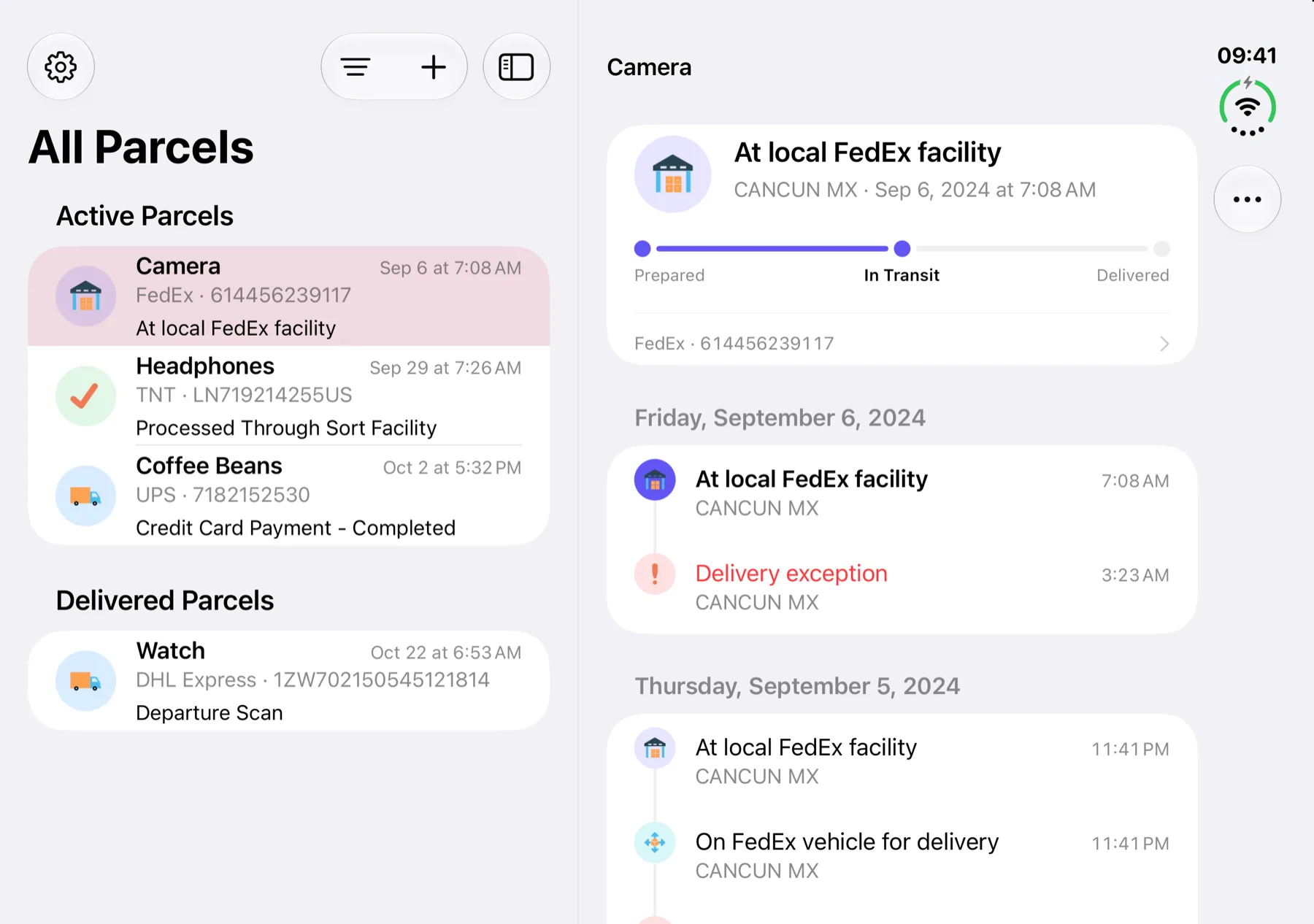
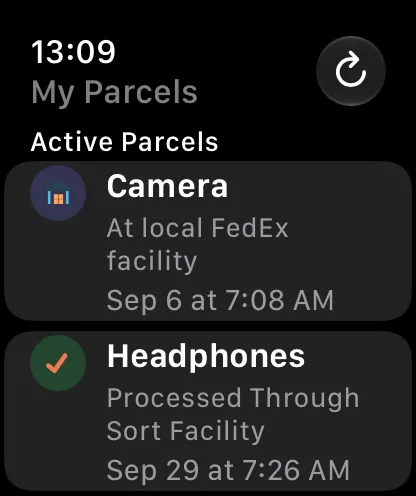
On the devices you carry
Sign in to keep your parcels in sync between devices.
And the small things
Dark theme
A dark look for the whole app.
Alternate app icons
Pick the icon you like for the home screen.
Siri Shortcuts
Plus Home Screen quick actions.
Barcode scanner
Add a parcel by scanning the label.
Sync
Create an account and your parcels follow you to every device.
Web portal
Premium subscribers can check their parcels from a computer.
Questions or feedback?
Write to us and we will get back to you.